WhatsApp rolls out multi-account support on single devices
WhatsApp now lets users safely run two accounts on a single phone using official tools. Here’s how to set up WhatsApp and WhatsApp Business, plus multi-account support on Android and iOS.
For years, smartphone users have often asked, “Why do I need two phones just to keep my work and personal WhatsApp separate?”
Now, thanks to updates rolled out by WhatsApp and improvements in Android and iOS ecosystems, juggling two accounts on a single device has been simplified, without the use of suspicious third-party cloning apps.
It is now easier to switch:
1. WhatsApp + WhatsApp Business (Android and iOS)
WhatsApp Business is the most universal and safest method for everyone.
It is a separate, official app designed for entrepreneurs, but anyone can use it to run separate accounts.
WhatsApp Business behaves like regular WhatsApp, just with a slightly different interface.
How to use this method on Android and iPhone:
- Open your app store
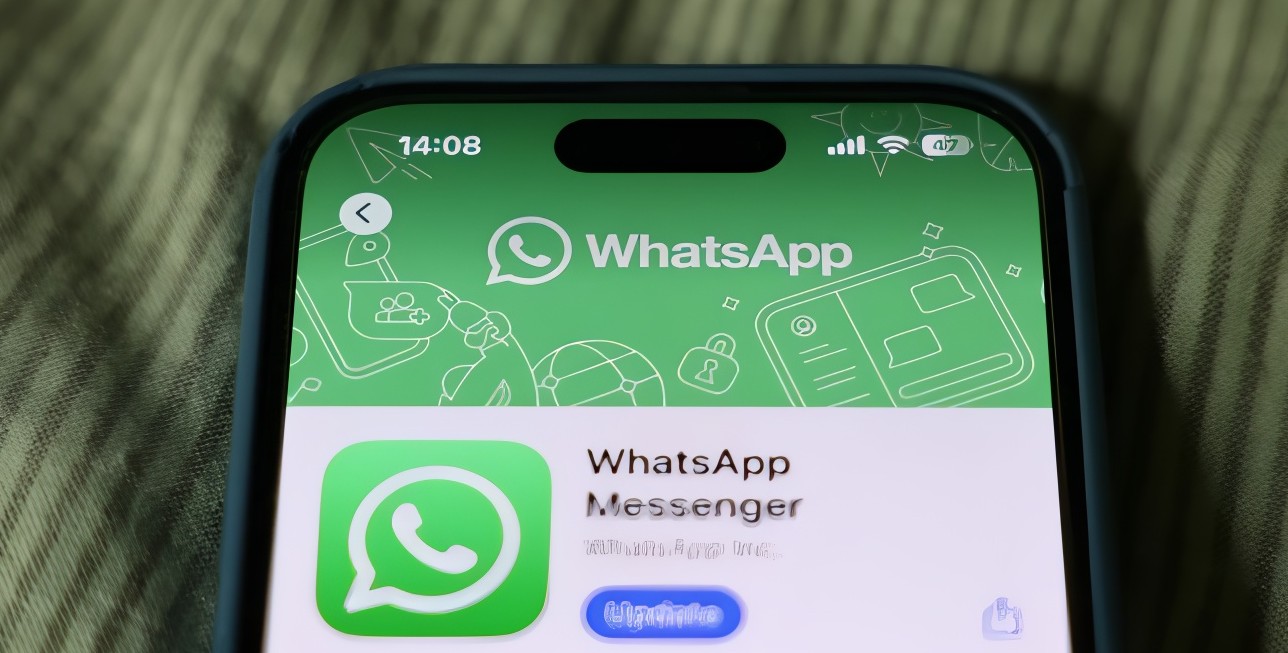
- Install WhatsApp Messenger (if not already installed)
- Install WhatsApp Business
- Register each app with a different phone number
Both apps operate independently and are approved by WhatsApp, meaning no risk of data leaks, bans, or corrupted backups.
2. Switching accounts within one app (official WhatsApp feature)
How to use it (Android)
- Update WhatsApp to the latest version from the Google Play Store
- Open WhatsApp, click Settings, then click Accounts
- Tap Add Account and enter your second phone number
- Verify via SMS/voice
- Once added, switch accounts by tapping your profile icon and selecting the account you want to use
You do not need a separate app or cloned instance, and notifications are separated per account.
iPhone availability
The one-app multi-account feature is gradually rolling out on iOS. When available:
- Open WhatsApp, click Settings, click Accounts, and click Add Account
- Register your second number
- Switch accounts via the profile menu
Notifications for both accounts appear separately, making it easy to stay on top of messages without confusion.
Top Stories Today